
Datadog
Team Business EnterpriseDatadog is an enterprise platform for infrastructure and application monitoring. Connect Honeybadger to Datadog to surface errors, uptime events, and Insights alarms directly in your Datadog event stream—bringing developer-focused monitoring into your existing observability workflow.
Users with administrative privileges can find this integration below the list of personal alert integrations on the Alerts & Integrations tab of the Project Settings page.
1. Install the integration in Datadog
Section titled “1. Install the integration in Datadog”Click the Install Integration button on the Honeybadger Integration Tile in Datadog.
2. Select the Datadog integration in Honeybadger
Section titled “2. Select the Datadog integration in Honeybadger”
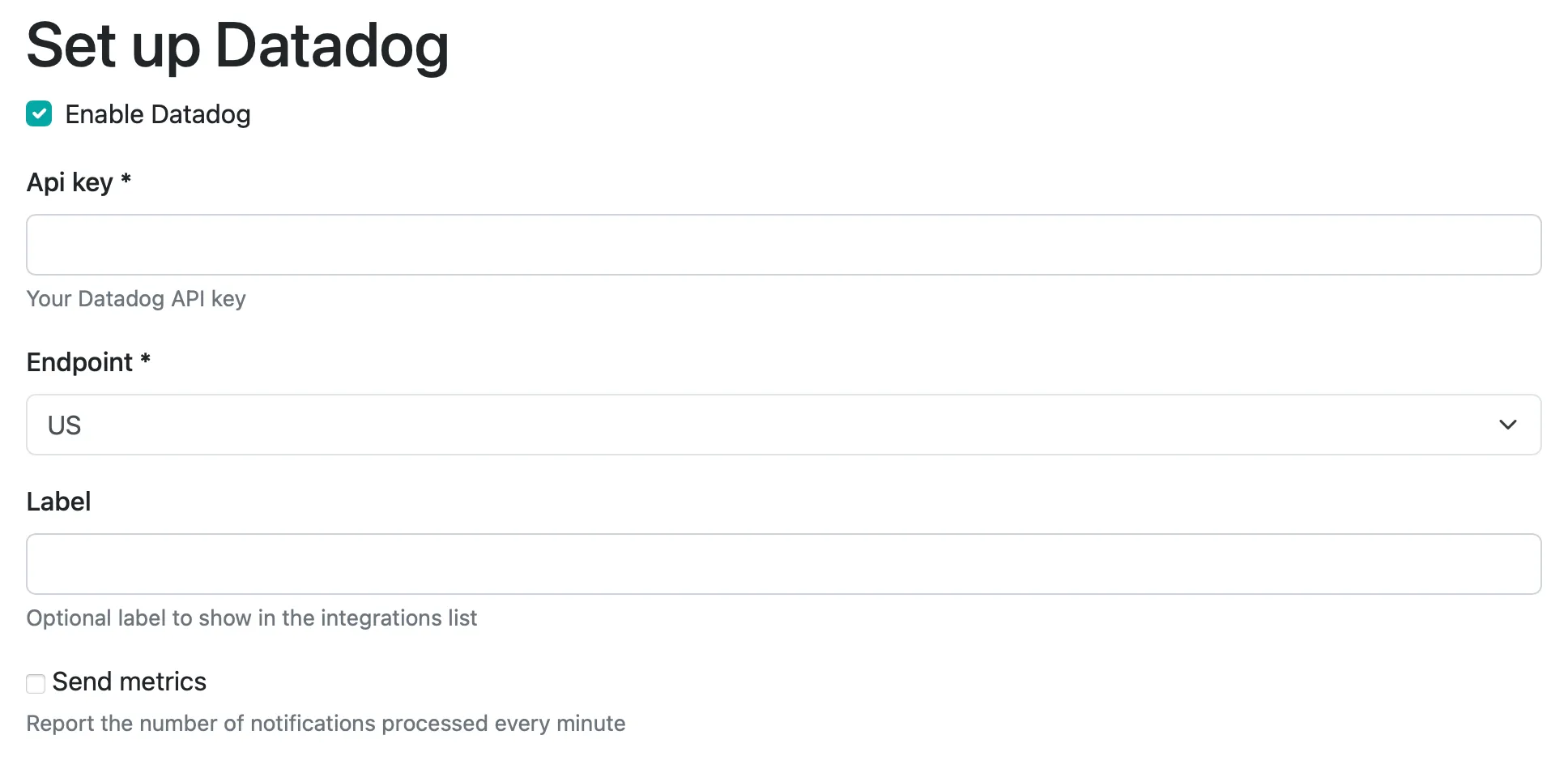
3. Set the API key
Section titled “3. Set the API key”You can generate a Datadog API key from your Datadog organization settings page.
4. Select region
Section titled “4. Select region”Choose from the following supported Datadog regions: US1, US3, US5, US1-FED, EU1, or AP1.
5. Select label (optional)
Section titled “5. Select label (optional)”If you have multiple Datadog integrations, you can add a label to differentiate in the integration list view.
6. Choose whether to send metrics
Section titled “6. Choose whether to send metrics”Enabling the “Send metrics” option will result in the metric
honeybadger.occurrences_per_minute to be reported to Datadog.
7. Save
Section titled “7. Save”That’s it! You can test the integration by clicking “Test”. Otherwise, just save it and you’re ready to go.